Sales briefing

Three chapters. Same story in English and Lao.

Use these on a live demo. Videos will sit in the draft slots. Do not mix office training into a customer meeting.

Part 1

Make fleet management simple

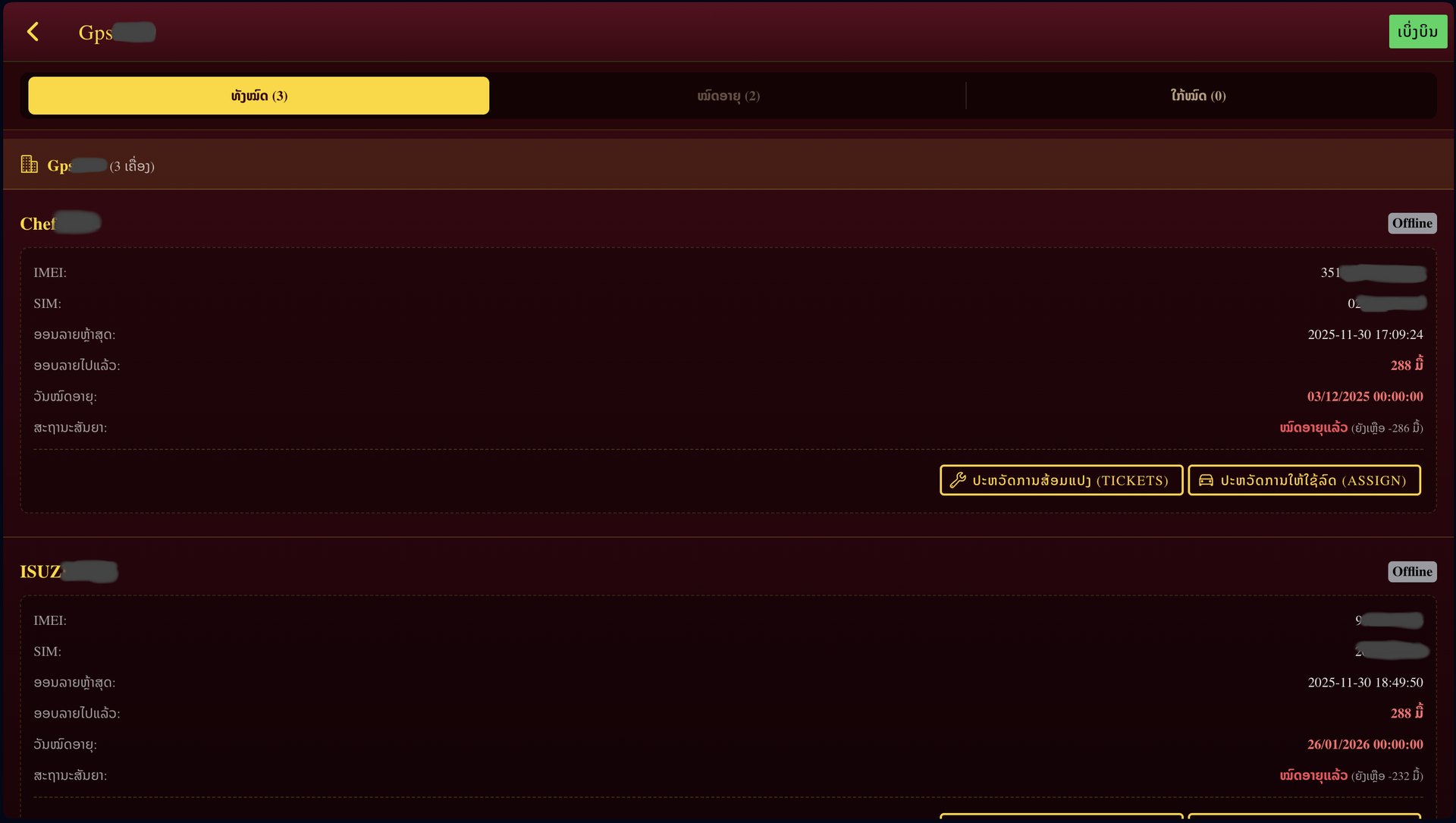
  • You already fitted GPS. The gap is the office.
  • One screen: online, near expiry, expired.
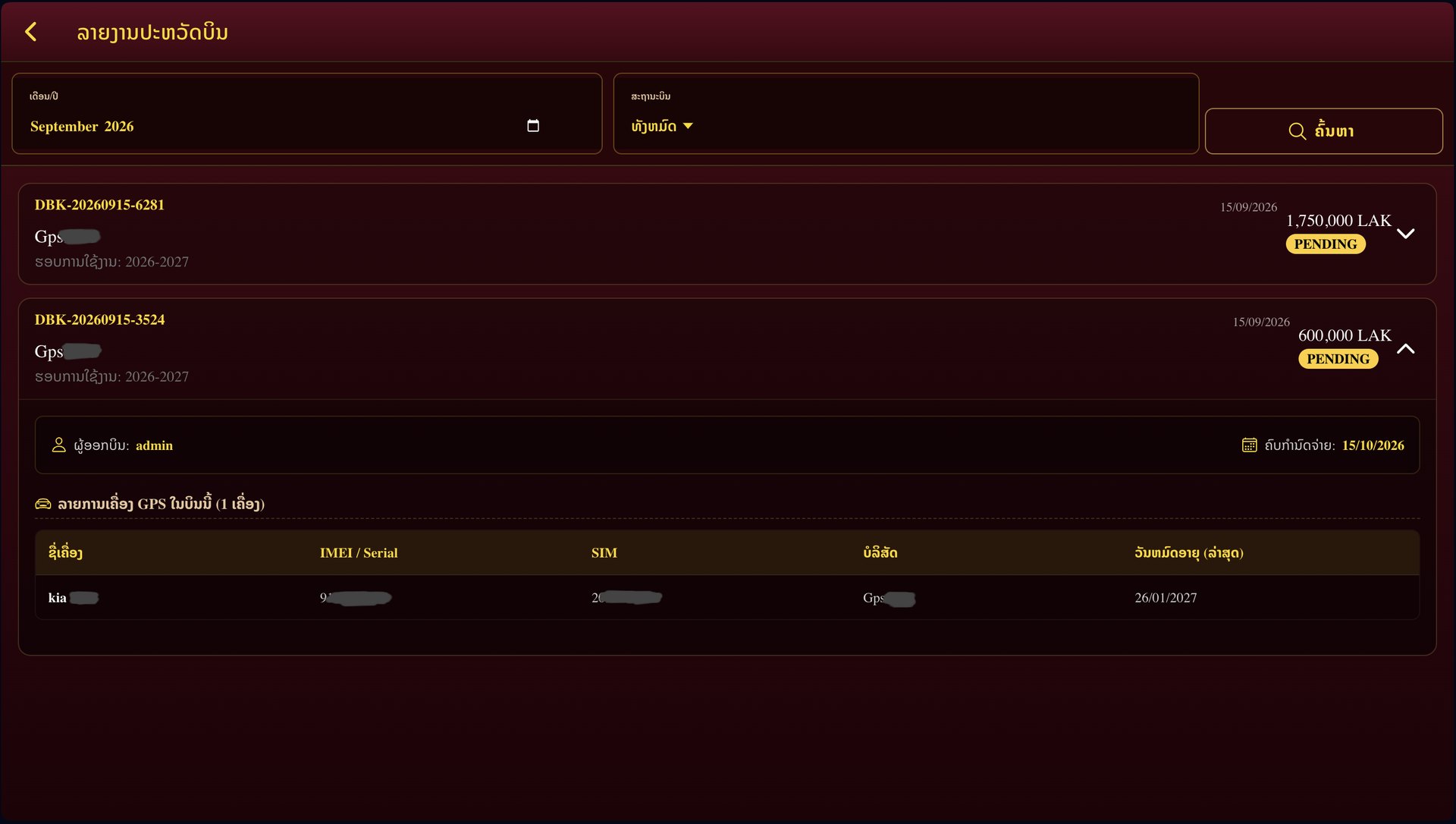
  • Renew some units. Print a quotation.
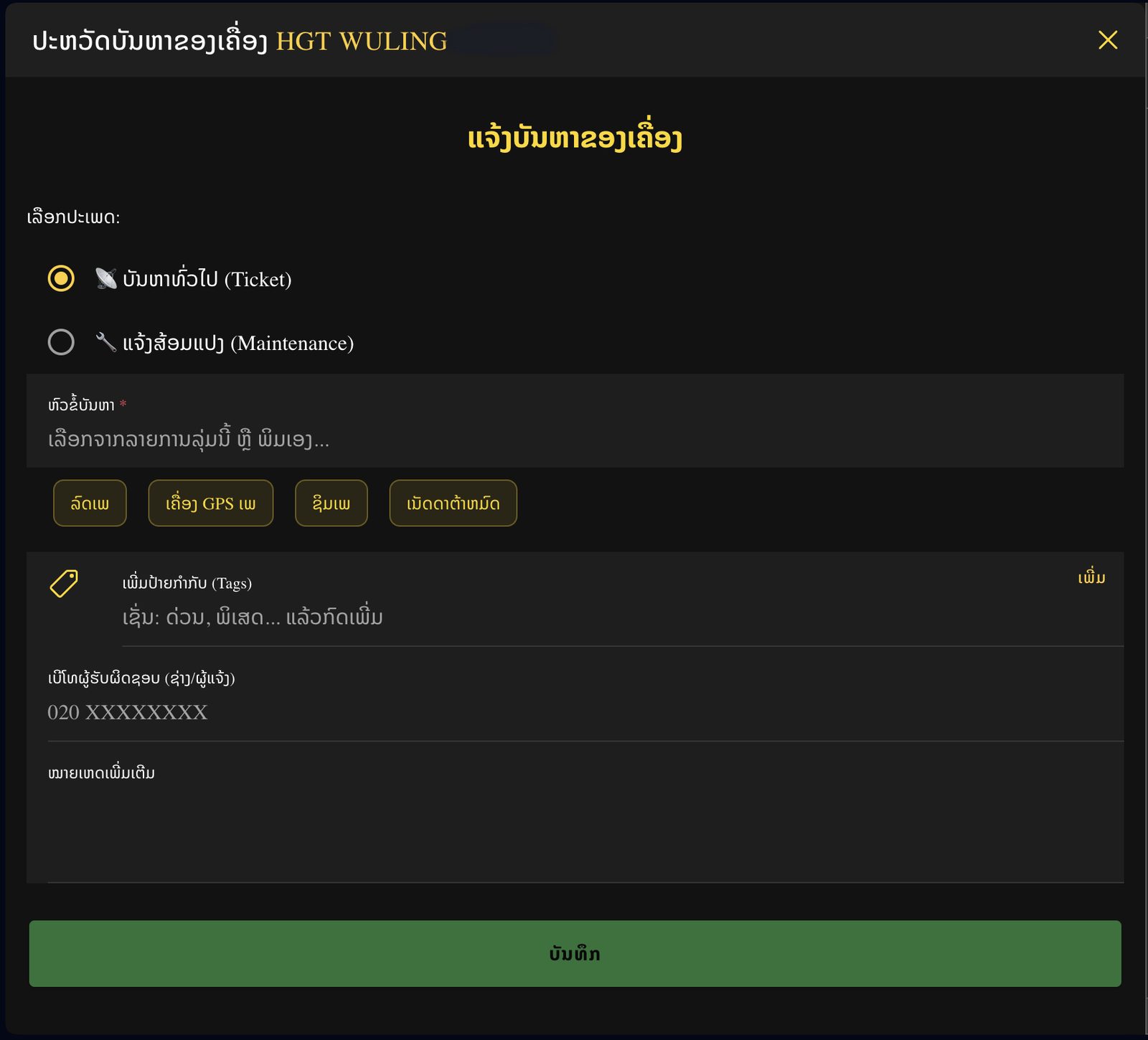
  • A repair lives on the vehicle, with a photo.

Part 2

Raise the bar with AI

  • AI is a 24-hour analyst, not a replacement.
  • It joins GPS alarms with Todo work.
  • It says: this truck sat too long and the ticket is still open.
  • Live watch for critical units. Daily report for the rest.
  • Predict expiry and idle risk from pieces we already have.

Part 3

How you use it, and how cost is split

  • Monitor: dashboard, flexible renewal, billing, cancel-and-copy.
  • Todo: assignment, tickets, crews, clock-in.
  • Work Share and Delegates for teams.
  • Cost buckets stay separate so a quote is honest.
  • AI fee stays optional until the report is trusted.

Spoken line for a customer meeting

The box in the car says where the vehicle is. This web says how the fleet is doing and what to do next. AI’s job is to snap those pieces into one picture, every hour or every night. Real-time for the units we must watch. Daily report for everyone else. A human still accepts the action.

Three clips. Three audiences.

Draft slot — video will be uploaded here.

Fleet owner90–120 seconds

Why the yearly service is easier

One screen for the fleet, renew only some units, log a repair with a photo.

Draft slot — video will be uploaded here.

Office admin7–9 minutes

How the office actually bills

Two-step login, cart, VAT, cancel-and-copy, Excel, search by tag.

Draft slot — video will be uploaded here.

Technician5–6 minutes

Today’s work, in order

Accept a group, tick today’s job, log a breakdown, clock in with GPS.